
Organisations researching digital membership cards usually arrive at the same question early: should we issue Apple Wallet passes or Google Wallet passes? The honest answer is that it is not a choice. Your members carry both kinds of phone, so a serious rollout issues both formats from day zero.
Still, the two platforms work differently under the hood, and the differences occasionally matter to how you plan a rollout. This guide compares them from an organisation's point of view: distribution, updates, verification, and design, without the developer jargon.
The short version
Apple Wallet covers every iPhone. Google Wallet covers Android. Both are pre-installed, free for members, hold the card on the device, and display a scannable QR code or barcode. Members do not install an app or create an account for either. When a card platform such as Memberlytic's digital membership cards issues from one design, each member automatically receives the format that matches their phone, and the differences below become invisible to you.
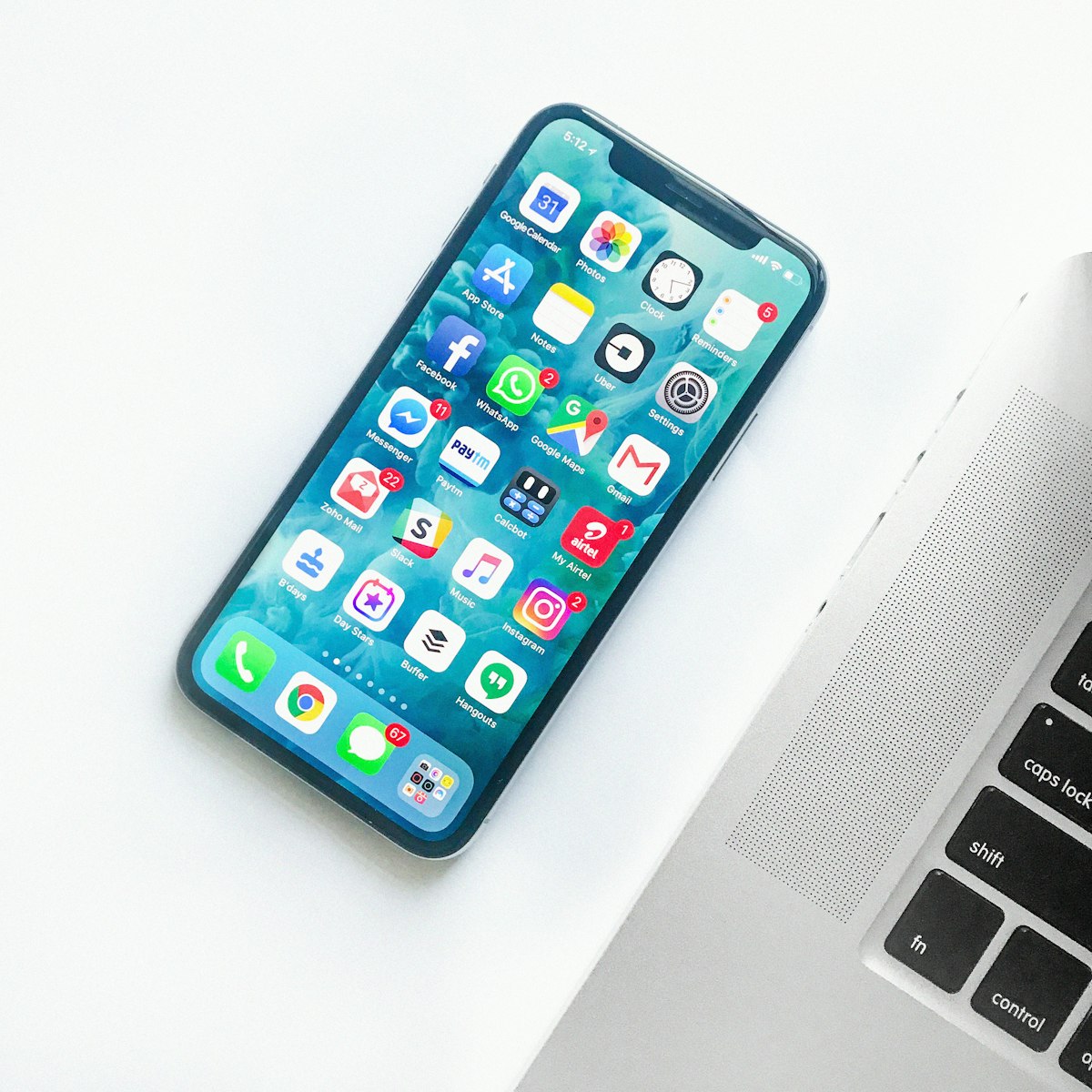
How Apple Wallet membership cards work
An Apple Wallet card is a signed file (the .pkpass format) that lives in the Wallet app on iPhone and Apple Watch. For members, the experience is polished and familiar from boarding passes and event tickets:
- The card sits in Wallet and is available offline, including the QR code
- When the issuing organisation updates a field, the pass refreshes on the device
- Passes can surface on the lock screen at relevant times and places
- One tap shows the card; a second shows the details on the back
For issuers, Apple's side requires a developer account, certificates, and a pass-update web service. That is the machinery a card platform runs for you; it is invisible in a managed rollout but a genuine project if built in-house.
How Google Wallet membership cards work
Google Wallet passes are created through Google's issuer API rather than as signed files. For members on Android, the result feels equivalent:
- The card lives in the Google Wallet app, available offline with its code
- Updates from the issuer appear on the saved pass
- Adding the card is one tap on an Add to Google Wallet link
For issuers, Google requires an approved issuer account and API integration. Again: machinery that a managed platform absorbs.
The differences that occasionally matter
| Apple Wallet | Google Wallet | |
|---|---|---|
| Devices | iPhone, Apple Watch | Android phones |
| Pass format | Signed .pkpass file | API-created pass object |
| Offline access | Yes, including codes | Yes, including codes |
| Updates after issue | Push-refreshed on device | Updated via issuer API |
| Member setup | None, pre-installed | None, pre-installed on most Android phones |
| Issuer setup (DIY) | Developer account, certificates, update service | Issuer account, API integration |
Two practical notes. First, a small number of Android devices ship without Google Wallet, so members may occasionally need to install it from the Play Store, a one-time step. Second, design constraints differ slightly between the platforms, which is why a single-design workflow that renders both formats saves real time compared to maintaining two artworks.
What the split looks like for your members
In Singapore and most of Southeast Asia, Android holds the larger share of the smartphone market, with iPhone strongest among certain demographics; in markets like Australia and Hong Kong the balance tilts further towards iPhone. The practical conclusion is the same everywhere: whichever platform you ignored would lock out a large minority, or even the majority, of your members. Clubs, gyms, and associations do not get to pick their members' phones.
Verification is identical, and that is the point
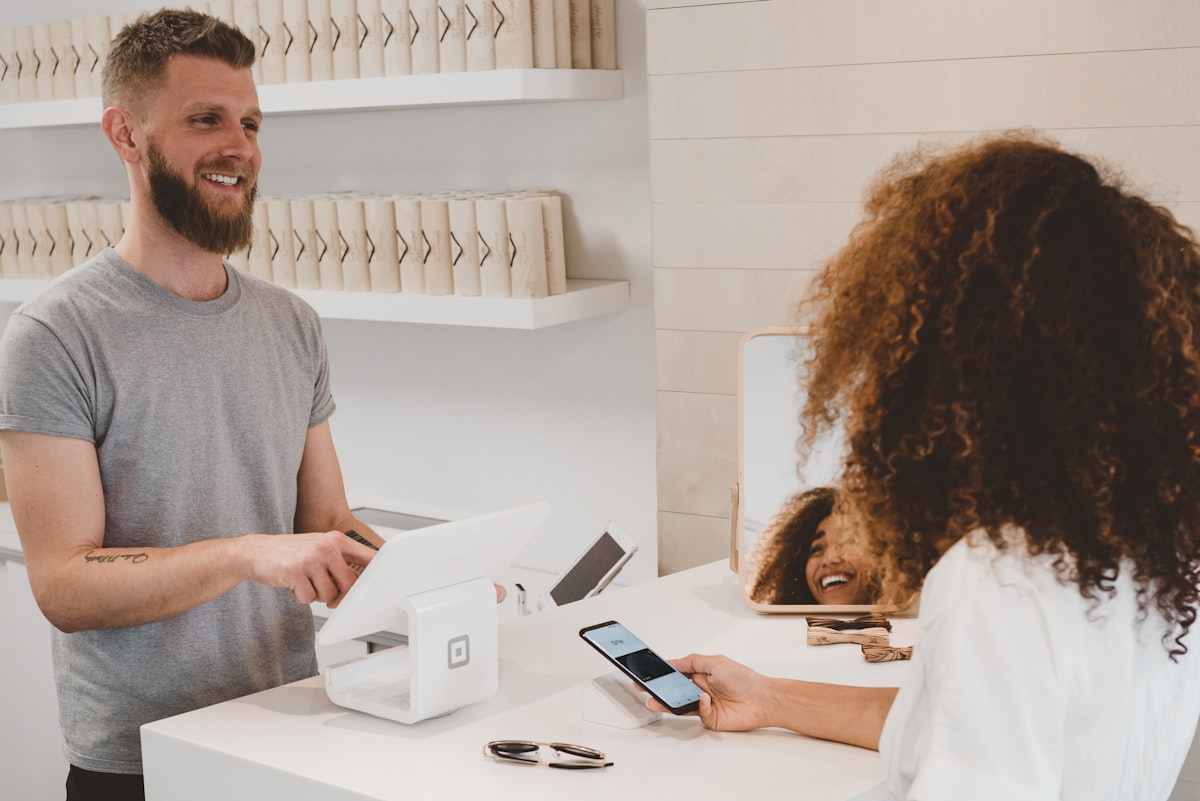
Whatever wallet the card lives in, staff verification works the same way: scan the QR code or barcode, and the answer comes back from your member records. Active shows active, lapsed shows lapsed, and the front desk never needs to know or care which phone the member carries.
 If you are starting from a spreadsheet rather than a membership platform, our walkthrough on creating digital membership cards from a CSV covers the data side, and the broader rollout is covered in issuing wallet cards without replacing your membership system.
The recommendation
Do not choose between the wallets; choose a workflow that treats them as one. Design the card once, import or sync your member data once, and let each member receive the format their phone expects. Every question that remains, from renewal updates to front-desk scanning, is answered identically for both platforms.
Frequently Asked Questions
Should we issue Apple Wallet or Google Wallet membership cards?
Both. Your members carry both kinds of phone, and issuing only one format locks out everyone on the other platform. A single-design workflow produces both formats automatically, so supporting both costs no extra effort.
Do members need an app for either wallet?
No. Apple Wallet is pre-installed on every iPhone, and Google Wallet is pre-installed on most Android phones. Members tap an Add to Wallet link and the card is saved. The rare Android device without Google Wallet can install it once from the Play Store.
Do the cards work without an internet connection?
Yes. Both wallets store the card on the device, including the QR code or barcode, so members can present their card in a basement gym or a crowded event hall without signal. Verification scans check your live records from the staff side.
Can one member have the card on two devices?
Yes. The same Add to Wallet link can be used on, say, an iPhone and an Apple Watch, or a member who switches platforms can simply save the card again on the new phone. Because verification runs against the member record, status stays consistent everywhere.
Is the design different for Apple and Google versions?
The platforms have slightly different layout rules, but with a single-design workflow you approve one card design and both versions are rendered from it, logo, colours, tiers and all. You never maintain two sets of artwork. See it live on our digital membership cards page.