
Most organisations that want digital membership cards already have a membership system. It might be a spreadsheet, an ageing database, an association management platform, or a gym system the team has used for years. It mostly works, and nobody wants a migration project.
The good news: you do not need one. Issuing branded membership cards to Apple Wallet and Google Wallet is a bolt-on decision, not a replatforming decision. This guide explains how card-first adoption works, what the wallet platforms require behind the scenes, and how to get cards into your members' phones while your existing system stays exactly where it is.
Why wallet cards, and why now
Three pressures push organisations towards digital membership cards, and none of them are about fashion.
Members stopped carrying plastic. The phone is always in their hand; the card is in a drawer at home. When proof of membership lives in Apple Wallet or Google Wallet, it is present at the door every single time.
Staff cannot verify plastic. A printed card looks identical the day after the membership lapses. A wallet card carries a QR code tied to the live member record, so one scan answers the only question that matters: is this person an active member right now?
Printing never stops costing money. Every new member, lost card, tier change, and annual reissue triggers another print run and another mail-out. Digital cards are issued in minutes and updated in place, so the recurring cost simply disappears; the full cost comparison puts numbers on it.

If you want the full background, our digital membership cards best-practices guide covers adoption, security, and design in depth. This article focuses on one question: how do you actually issue the cards?
What issuing wallet passes involves behind the scenes
It helps to understand what you are avoiding by not building this yourself.
Apple Wallet passes are signed .pkpass files. To issue them, you need an Apple Developer account, a registered pass type identifier, and a signing certificate that must be renewed and protected. To update a card after issue, you also need a web service that Apple's devices can call, plus push infrastructure to tell each phone that its pass has changed.
Google Wallet works differently. Passes are objects created through the Google Wallet API under an approved issuer account, with their own class and object model, JWT signing, and update flows.
So a do-it-yourself rollout means two developer accounts, two APIs, certificate management, a pass update service, and ongoing maintenance for both platforms. For a membership team, that is a strange place to spend budget. A card platform such as Memberlytic's digital membership cards carries all of that infrastructure for you: you supply the member data and the branding, and both wallet formats are generated from one place.
The card-first route: keep your system, add the cards
Card-first adoption treats digital cards as a thin layer on top of whatever you already run. There are three ways to connect your member data, in increasing order of automation.
1. CSV or Excel import
Export your member list from your current system, upload it, and cards are generated in bulk. This is the fastest route and needs no technical work at all. It suits organisations whose data changes on a predictable rhythm, such as an annual renewal cycle. We cover this workflow step by step in how to create digital membership cards from a spreadsheet.
2. REST API sync
If your membership system can call an API, or your IT support can schedule a sync, card data stays aligned with your database automatically. A renewal recorded in your system updates the expiry date on the card already sitting in the member's wallet. No reissue, no re-send.
3. The full Memberlytic platform, later, if ever
Cards issued standalone are not a dead end. If you eventually want renewals that collect themselves, a member portal where members re-download their cards, and one database behind everything, the same cards connect to the full platform without being reissued. Starting card-first throws nothing away.
What goes on the card
A membership card is not a coupon or a boarding pass, and it should not look like one. The fields that earn their place:
- Member name and photo-free identity: name, member ID, and organisation branding
- Tier: Gold, Corporate, Family, Student, or whatever your categories are, with a distinct design per tier if you want one
- Expiry date and status: the fields that make the card useful at the door
- Benefits and custom fields: reciprocal club access, guest entitlements, handicap for golf clubs, or anything specific to your organisation
- A QR code or barcode: the scannable link back to the live member record
Both Apple Wallet and Google Wallet versions are generated from one design, so members get the right format for their phone without you managing two artworks.

How members receive their cards
No app, no account creation, no password. Members receive an email with an Add to Wallet link, scan a QR link you share at reception or in a newsletter, or download the card from their member portal if you use one. One tap saves the card to the wallet that came pre-installed on their phone.
For a rollout, most organisations send the email to the full list, put a QR poster at the front desk for stragglers, and include the link in every renewal confirmation from then on. The full launch sequence, staff prep included, is in our digital card adoption playbook.
How verification works at the door
Staff scan the card's QR code with any smartphone camera or a handheld scanner. The result comes from your member records, not from the card itself, so an expired membership shows as expired even if the member saved the card a year ago. Name, tier, and expiry appear in one glance, whether the check happens at a gym floor, a clubhouse, an event desk, or a co-working reception.
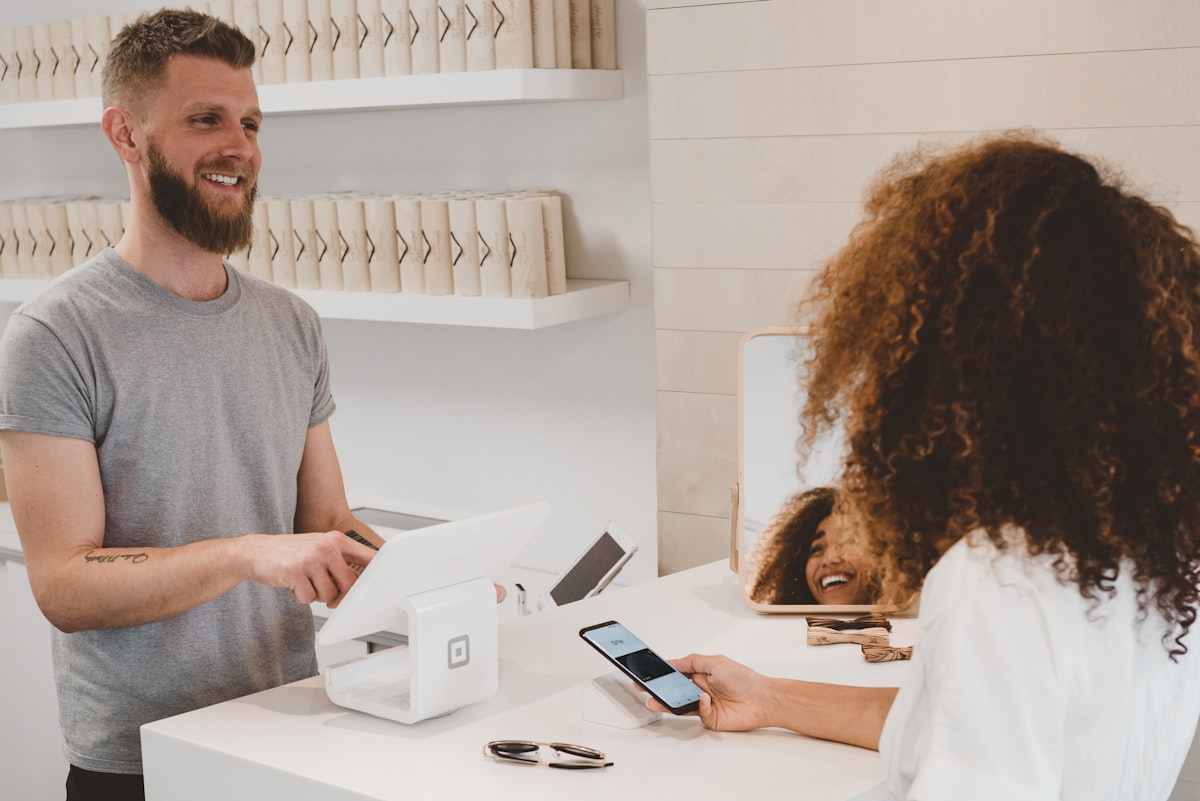
For organisations in Singapore, it is worth noting that this model keeps you on the right side of the PDPA: the card displays only what you choose to show, and verification queries your own records rather than storing personal data on third-party hardware.
A realistic rollout plan
- Week 1: export your member list, clean the obvious gaps (missing emails, stale expiry dates), and confirm your tiers.
- Week 1: approve the card design with your logo, colours, and fields.
- Week 2: send the Add to Wallet email to members and put a QR link at reception.
- Week 2 onwards: staff scan at the door; you re-import or sync when data changes.
That is the whole project. No migration, no parallel running, no retraining on a new system.
Frequently Asked Questions
Do we need to replace our membership database to issue wallet cards?
No. Digital membership cards work standalone with your existing system. You connect your data by CSV or Excel import, or over a REST API, and cards are issued and verified against that data. Migration to a new platform is never required to get cards into members' wallets.
Do members need to download an app?
No. Cards are saved to Apple Wallet, which is pre-installed on every iPhone, and Google Wallet on Android. Members tap an Add to Wallet link from an email, a QR code, or a member portal, and the card is on their phone.
Can we issue both Apple Wallet and Google Wallet cards from one place?
Yes. One card design and one member list produce both formats, and each member receives the version that matches their phone. You never manage the two platforms separately.
How do the cards stay accurate after renewals?
Each card is tied to a member record with an expiry date. Standalone, you refresh records with a new import or an API call and every affected card updates in the member's wallet. Connected to Memberlytic's renewal module, the card updates automatically the moment payment clears.
What does a rollout cost compared to plastic?
Plastic costs repeat forever: every join, loss, tier change, and annual reissue is another print and postage run. Digital cards remove the per-card printing cost entirely, and reissuing a lost card becomes a re-download rather than a reprint. Book a demo through our digital membership cards page for pricing on your member count.