
The QR code is the part of a digital membership card that changes how your organisation runs. The branding makes the card yours, but the code is what turns any phone at your front desk into a verification point that plastic could never be.
This guide explains what actually sits inside the QR code on a membership card, how the scan flow works, and why the move from visual checks to scans quietly ends most card sharing and lapsed-member leakage.
What is actually in the QR code
Less than most people assume, and that is the point. The QR code on a well-designed membership card contains an identifier that points at the member's record, not the member's personal data. Scanning it does not reveal a phone number, address, or payment detail; it resolves to a lookup against your records.
This matters for two reasons. First, privacy: the card can be photographed or lost without exposing personal information, which keeps the design comfortably on the right side of the PDPA and similar data-protection laws. Second, accuracy: because the code points at the record rather than carrying the data, the answer at scan time is always current, even if the card was added to the wallet a year ago.
The scan flow, step by step
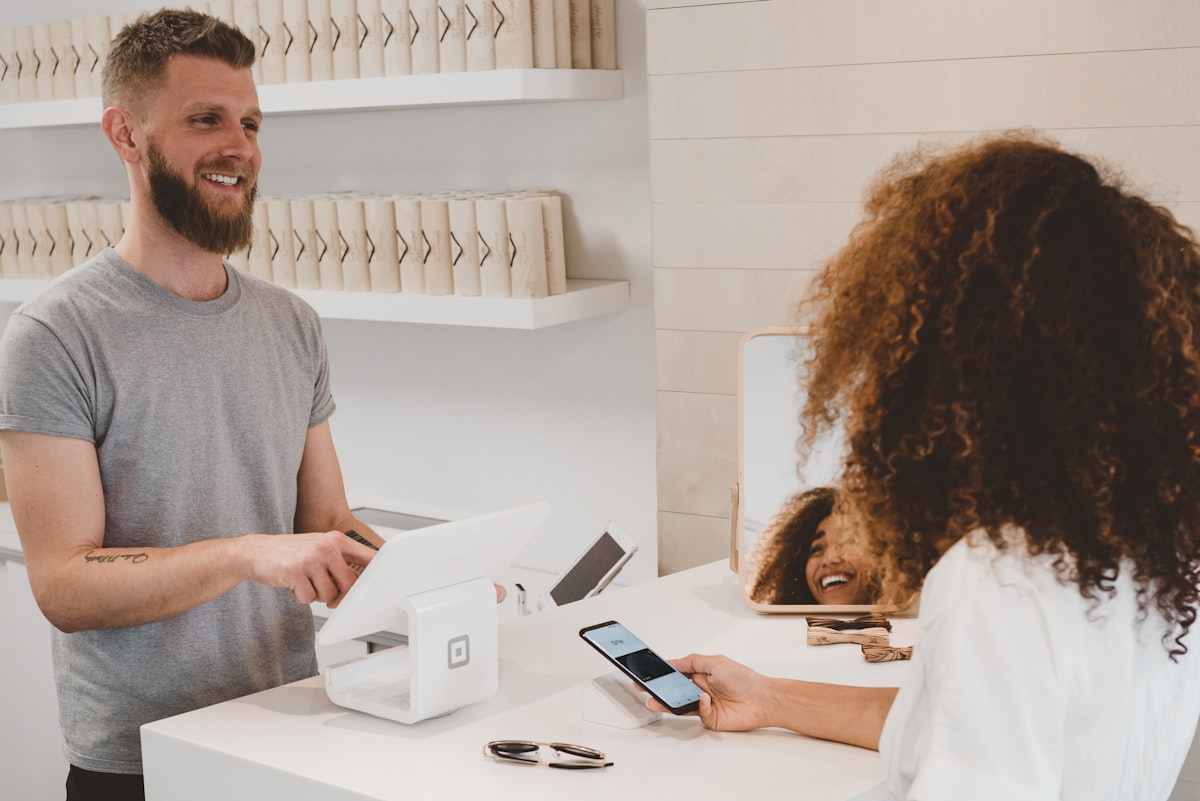
- The member presents their card from Apple Wallet or Google Wallet. Both wallets store the card and its code on the device, so it works with no signal on the member's side.
- Staff scan the code with a smartphone camera or a handheld scanner. No special hardware is required; the phone your duty manager already carries is enough.
- The lookup answers with the member's name, tier, expiry date, and status: active, expired, or suspended.
- The decision is instant. Active members are through in a second. Expired members are caught at the door, politely and consistently, rather than discovered in an audit months later.
Why scans beat visual checks
A visual check answers one question: does this person hold a card? A scan answers the question you actually care about: is this membership valid right now?
- Expiry is enforced automatically. Plastic looks the same the day after it lapses. A scanned card shows expired the moment the record does.
- Every check is consistent. New staff, volunteers, and event crews all get the same answer from the same scan, with no judgement calls about a familiar face.
- Tiers are visible. Member rates, guest entitlements, and access levels appear with the scan, so the pro shop and the front desk stop guessing.
Why card sharing stops working
Plastic cards get shared because nothing links the card to the person holding it beyond a name in small print. QR verification changes the economics of sharing:
The scan shows who the card belongs to. A borrowed card resolves to the real member's name and tier on the staff screen. A quick glance at the person holding it settles the rest. Screenshots of someone else's code fail the same way: the code still points at the original member's identity.
Lapsed cards fail loudly. The most common form of leakage is not deliberate fraud but quiet lapse: a member whose renewal expired months ago keeps using a card that still looks fine. With scans, that stops on the first visit after expiry, which also creates a natural, friendly moment to take the renewal payment on the spot.
Scans leave a trail. Because each verification is a lookup, unusual patterns, such as one card checked in at two venues in the same hour, are visible to administrators rather than invisible as they are with plastic.
Where to put your verification points
Anywhere a membership question gets asked. Common checkpoints:
- Front desk and reception, the default for gyms, clubs, and co-working spaces
- Clubhouse, pro shop, and food and beverage, where member pricing applies
- Event check-in, where a scan doubles as attendance tracking when paired with event registration software
- Casual checks on the floor, since any staff phone is a scanner
Because the reader side is just a camera, adding a checkpoint costs nothing. Start with the front desk, then add scan points wherever member benefits are claimed.
Getting QR membership cards without building anything
The QR code, the wallet cards, and the lookup service come as one package with Memberlytic's digital membership cards. Bring your member list from your existing system by CSV or API, and cards with scannable codes are issued to Apple Wallet and Google Wallet; the full path is described in our guide to issuing wallet cards without replacing your membership system.
Frequently Asked Questions
What information is stored in a membership card QR code?
An identifier that points at the member's record, not personal data. Scanning resolves to a live lookup showing name, tier, expiry, and status. If the card is photographed or lost, no personal information is exposed from the code itself.
What hardware do staff need to scan membership cards?
Any smartphone camera works, so most organisations start with the phones staff already carry. Handheld scanners are an optional upgrade for high-volume doors, such as a busy gym at peak hour, not a requirement.
Do QR membership cards work without internet?
The member's side works offline: the card and its code are stored on the phone in the wallet. The staff side performs a lookup at scan time, so the scanning device needs a connection, which in practice means ordinary staff Wi-Fi or mobile data.
Can members share their digital membership card?
Sharing stops being useful. The scan shows the real member's name and tier to staff, a screenshot of someone else's code resolves to that person's identity, and a lapsed membership shows as expired regardless of how the card was obtained. Verification against the live record is what plastic never had.